Initial Network Setup
This step-by-step guide will walk you through creating and configuring your own server network in the dashboard. With Goxy, you can launch your servers and start building your Minecraft community in just minutes!
With our intuitive platform, you'll set up a server network faster than making a sandwich! Get started now and enjoy stable gameplay.
Before You Begin
Prefer video format?
We've partnered with a YouTuber to create a video tutorial that visually walks through the entire process:
Don't hesitate to contact our support team! We're here to help. Find contact methods here.
Steps
Step 1: Log in to the Goxy Dashboard
To use Goxy, you need an account on our dashboard. If you don't have one yet, go to registration.
After logging in, you'll see this view:
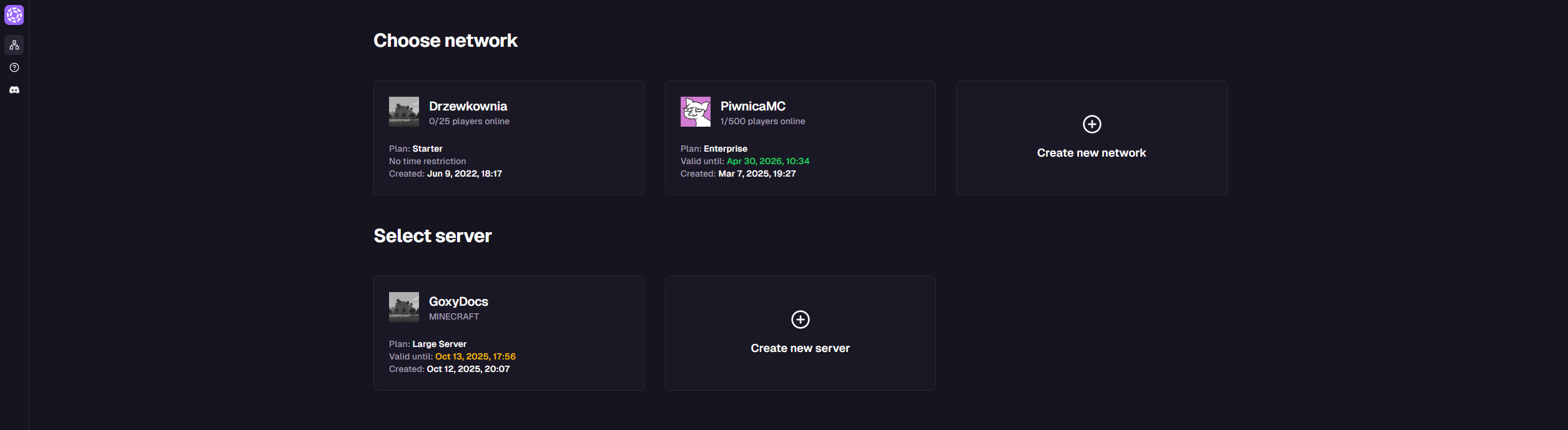
Register in seconds and discover the simplicity of server management with Goxy!
Step 2: Create a New Network
A network in Goxy is a collection of multiple servers behind our proxy, appearing to players as a single server. Logical connections between servers enable seamless gameplay - players don't notice switching between servers; to them, it feels like changing maps.
A Goxy network can be a small server for friends or a massive one with 10,000 players online. Thanks to our unique approach, scaling servers is incredibly simple.
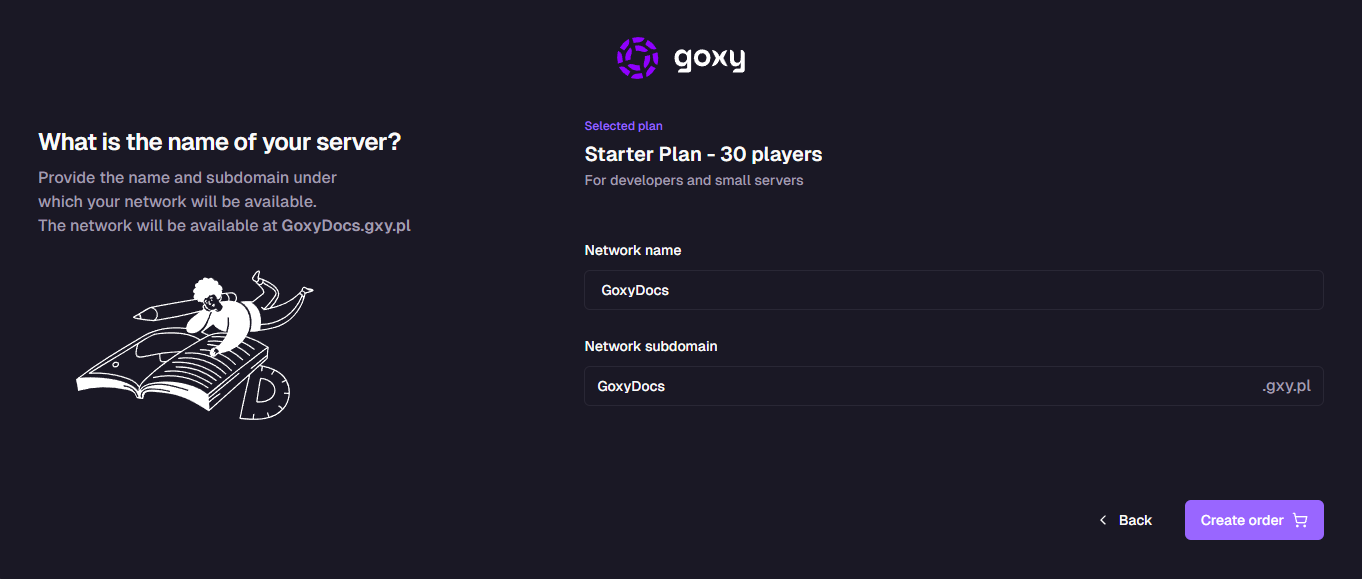
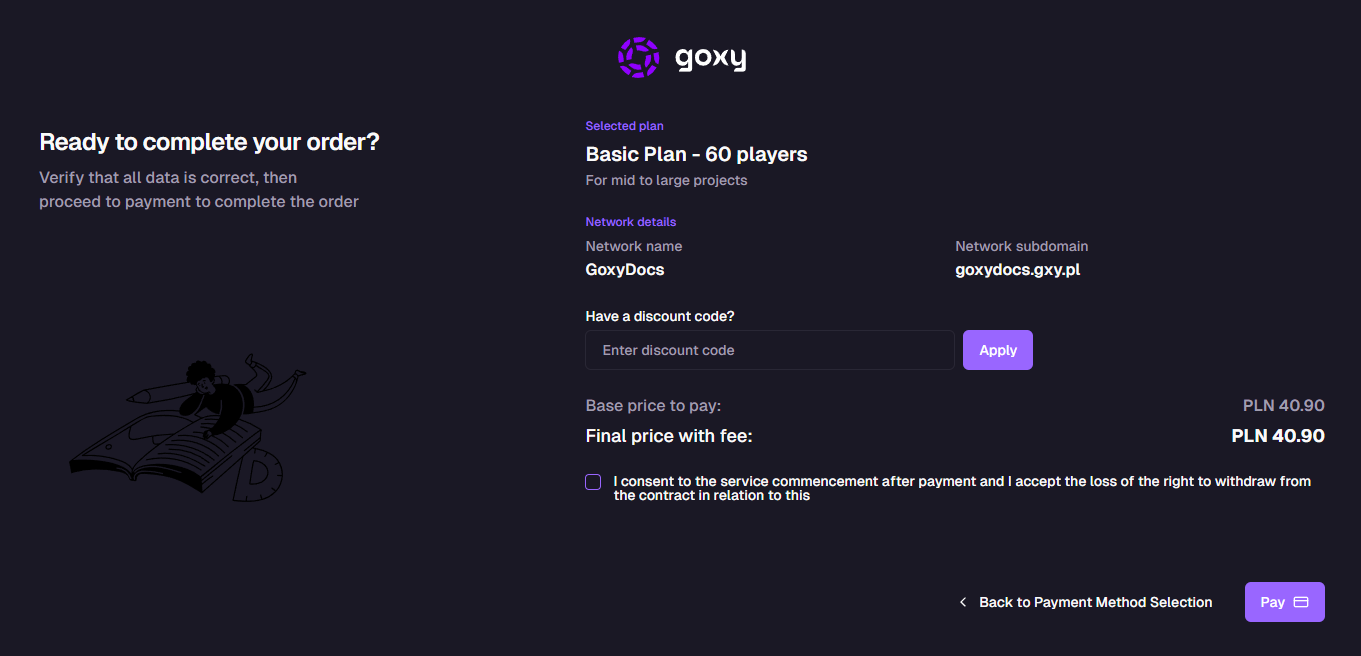
To create a network:
- Click the
Create New Networkbutton on the network list. - Choose a plan, plan duration, and maximum online players.
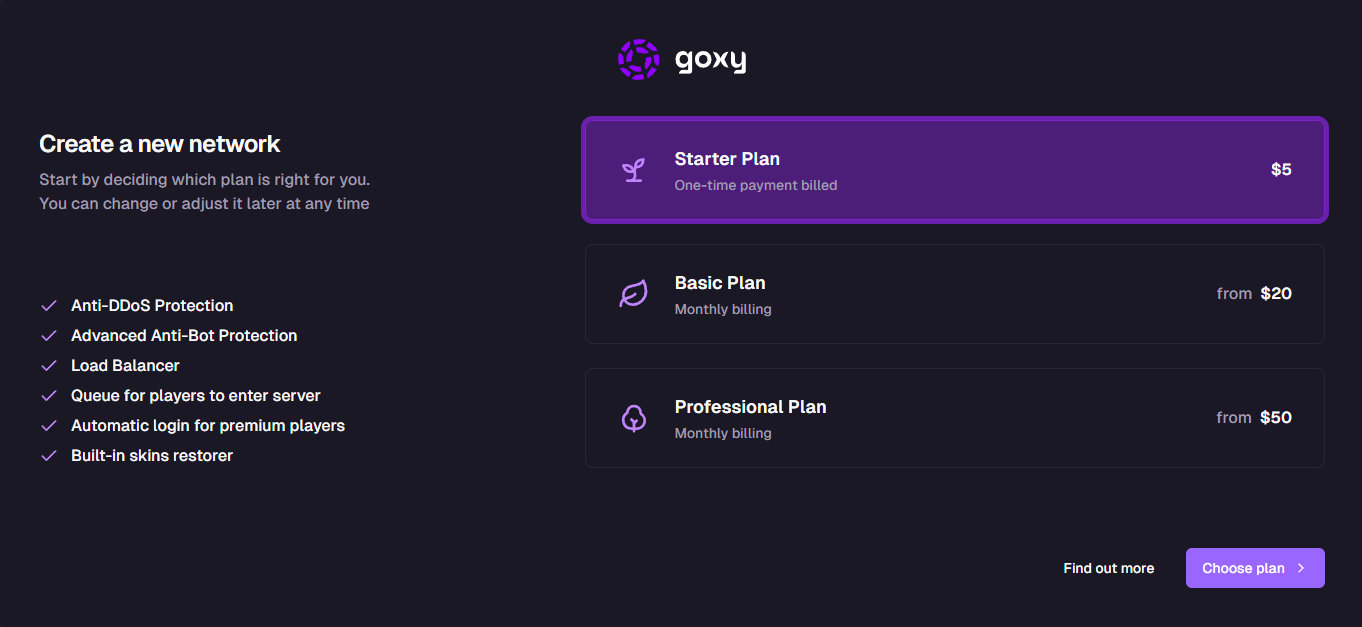
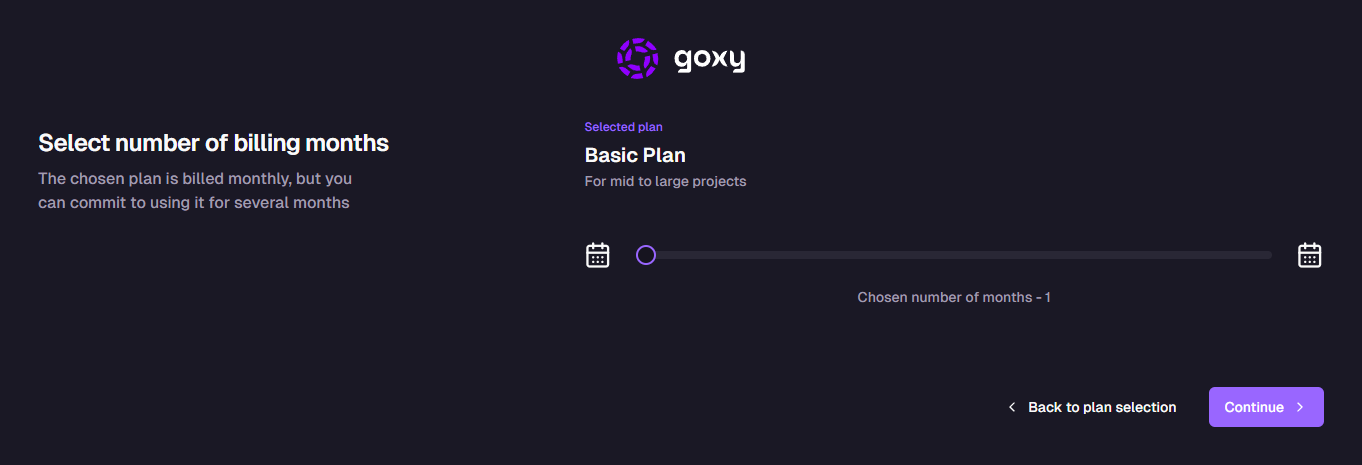
- Enter the server name and set the subdomain.
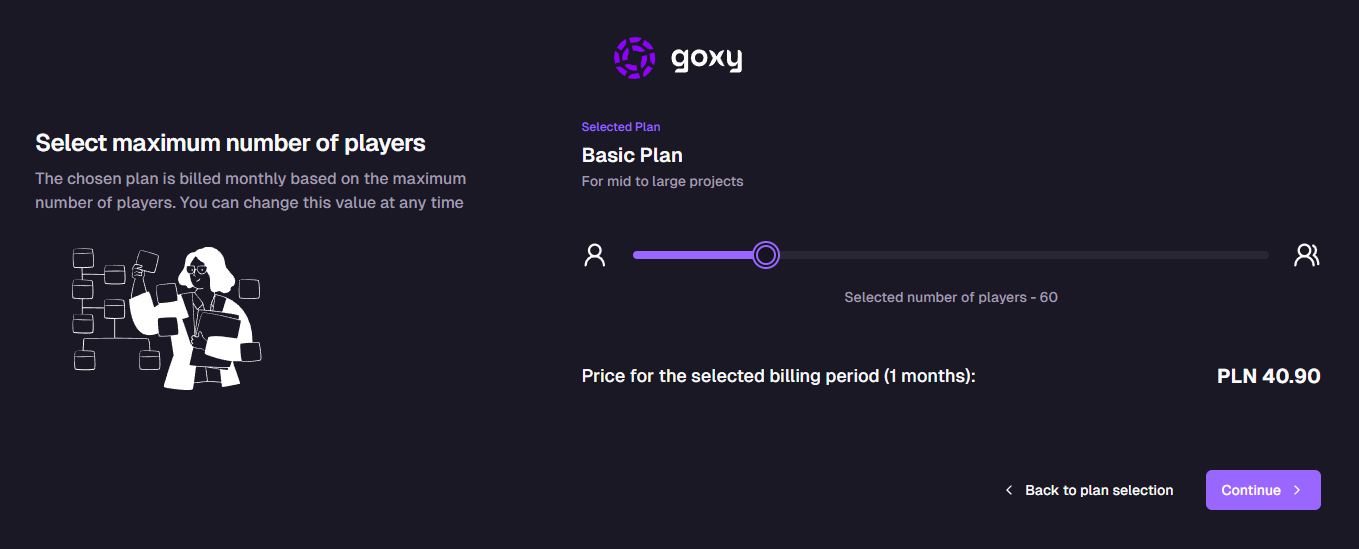
- Pay and enjoy Goxy!
Speed
Set up your network in minutes with an intuitive dashboard.
Scalability
From a small server for friends to thousands of players online.
Simplicity
Easy management - no technical knowledge required.
Links
Contact us!
We respond to all messages within 24 hours on Discord.
Create Your Network in Minutes!
Join Goxy and start building your Minecraft community!
REGISTER FOR FREE